Getting started
Set up Couchlingo
Install the extension, pin it, then sign in here. The extension signs in with this site — no pairing code.
Get the extensionWatching videos
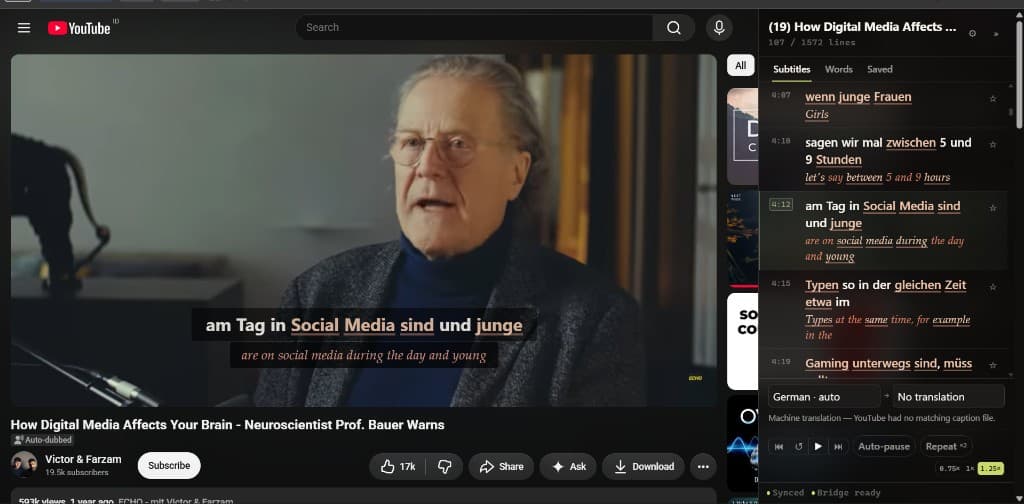
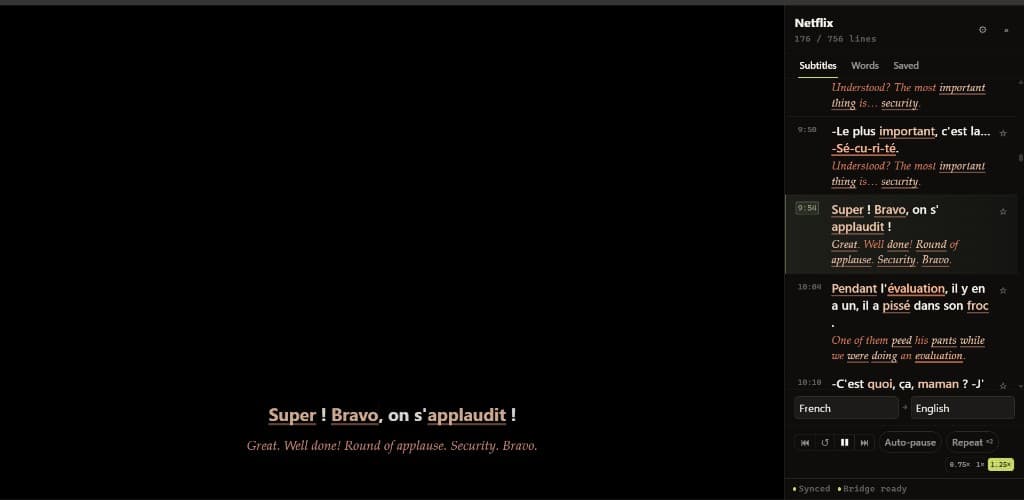
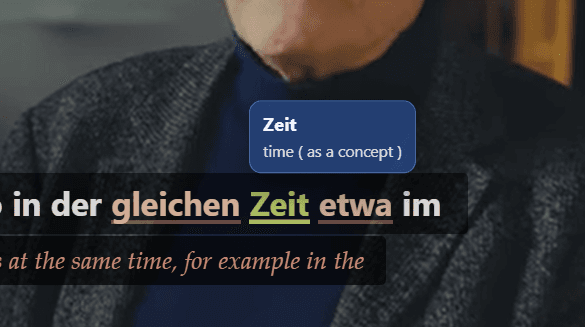
The extension adds dual subtitles to Netflix and YouTube. Click a word on the study line for its definition. Right-click to save it.
Turn on auto-pause in the player to stop after each subtitle.
Captions from the video are used when they exist. If a language has no track, Couchlingo fills the translation line with machine translation.
Control playback with keyboard shortcuts:
- APrevious subtitle
- SReplay subtitle
- DNext subtitle
- PToggle auto-pause
- SpacePlay/Pause
- RRepeat current subtitle
- VSave current word
- 123Playback speed
Saved words live in Vocabulary. If automatic linking fails, sign out and back in on this site with the extension installed, or check Devices.